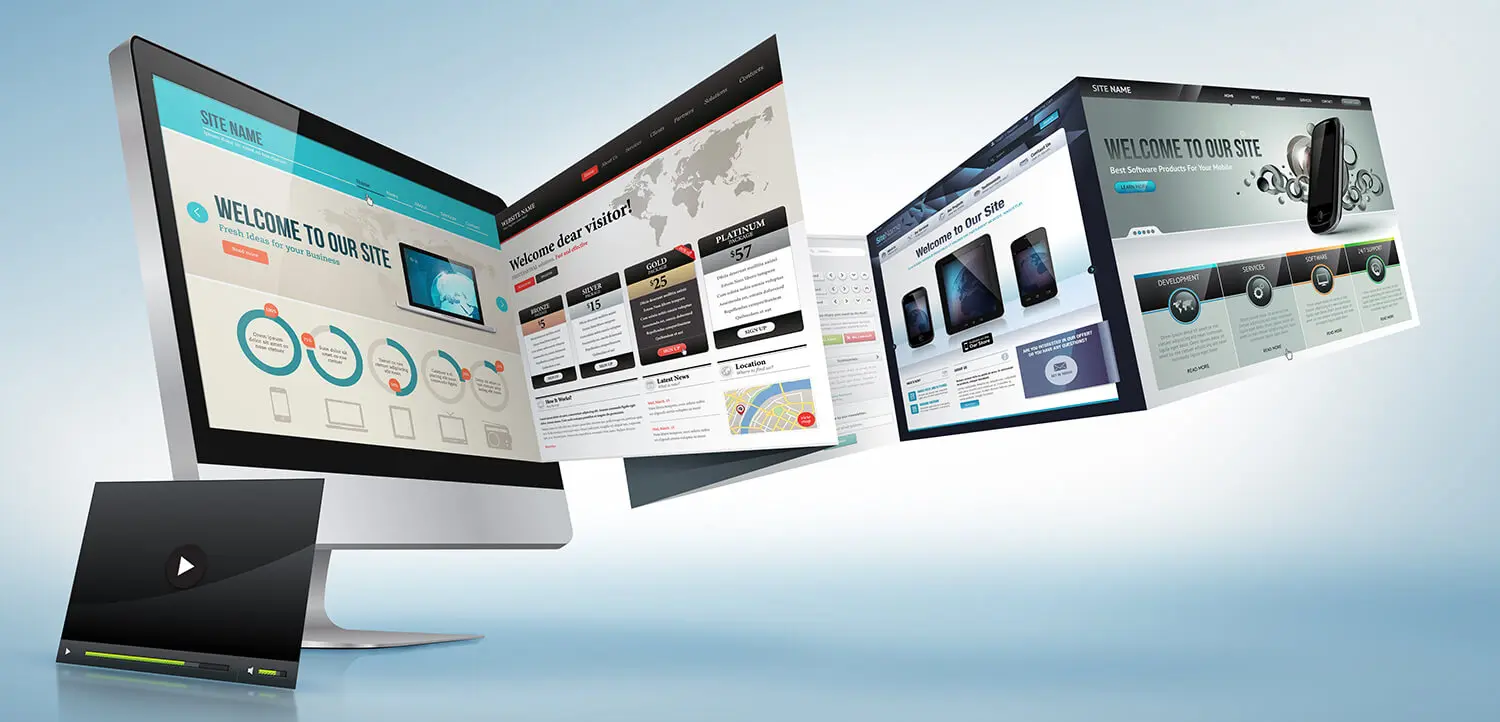
Your website is a platform that will create your customers’ first impressions and help them decide to return or not to your business. Therefore, it is very important for your website to have a professional appearance and functionality. The following sections contain suggestions on how to design a professional website.
User-friendly interface
A professional website should allow users to access the content quickly and easily. A user-friendly interface requires content to be presented in a clear and understandable manner, a clear and intuitive menu system, and fast loading speeds.
Mobile-friendly design
Nowadays, cell phones and tablets are often used to access the internet. Therefore, it is necessary for your website to be displayed and used optimally on mobile devices.
Current and accurate content
A professional website should provide current and accurate content. Users must be assured that the information they find on your website is current and correct.
SEO-friendly design
Having your website be SEO (Search Engine Optimization) friendly will result in it being better recognized by search engines and achieving higher rankings. SEO-friendly design should include factors such as keyword density, text content, link structure, and visual content.
Reliable and current technologies
A professional website should use reliable and current technologies. Users must be assured that your website is protected by safe and current technologies. At the same time, you must use the latest technologies to ensure that your website is current and fast-loading.
Regular maintenance and updates
A professional website must meet the need for regular maintenance and updates. Otherwise, the performance of your website may decline and the likelihood of it being abandoned by users may increase.
Customer service support
Your website should assist and respond to customers professionally. Therefore, your website must provide customer service support.
In conclusion, professional website design includes a user-friendly interface, mobile-friendly design, current and accurate content, SEO-friendly design, reliable and current technologies, regular maintenance and updates, and customer service support to ensure that your website is user-friendly and reliable.
-
 Minimalism in Web Design: Less is More Expression
 -
 Security-Focused Web Design: How to Ensure Visitor Trust?
 -
 Usage of “Heading Tags” in Web Design
 -
 What Image Format Should You Use for Your Website?
 -
 12 Ways to Improve User Experience
 -
 Advantages of Having Special Web Software
 -
 The Importance of Typography in Web Design